Information
How to install plugin?
Go to the MyAAC Admin Panel, then click on Plugins menu link, and then select your plugin file (.zip file) and click Upload. That's all to make your plugin work!
There are total 2 different plugins in our database.
Theme Canary
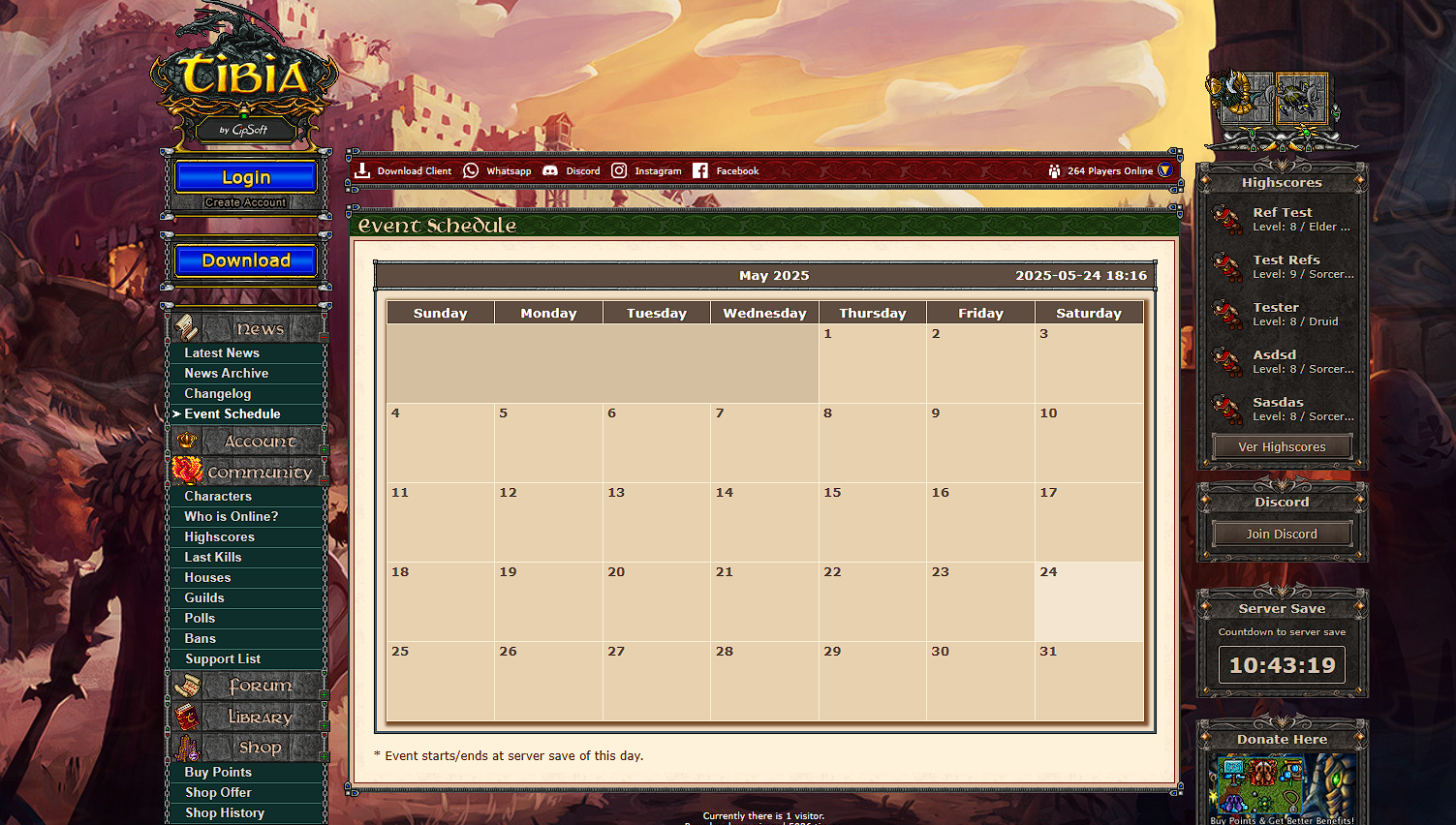
Version: 2.0.1
Theme based on @opentibiabr MyAAC, similar to original Tibia website.
- Downloads: 2500
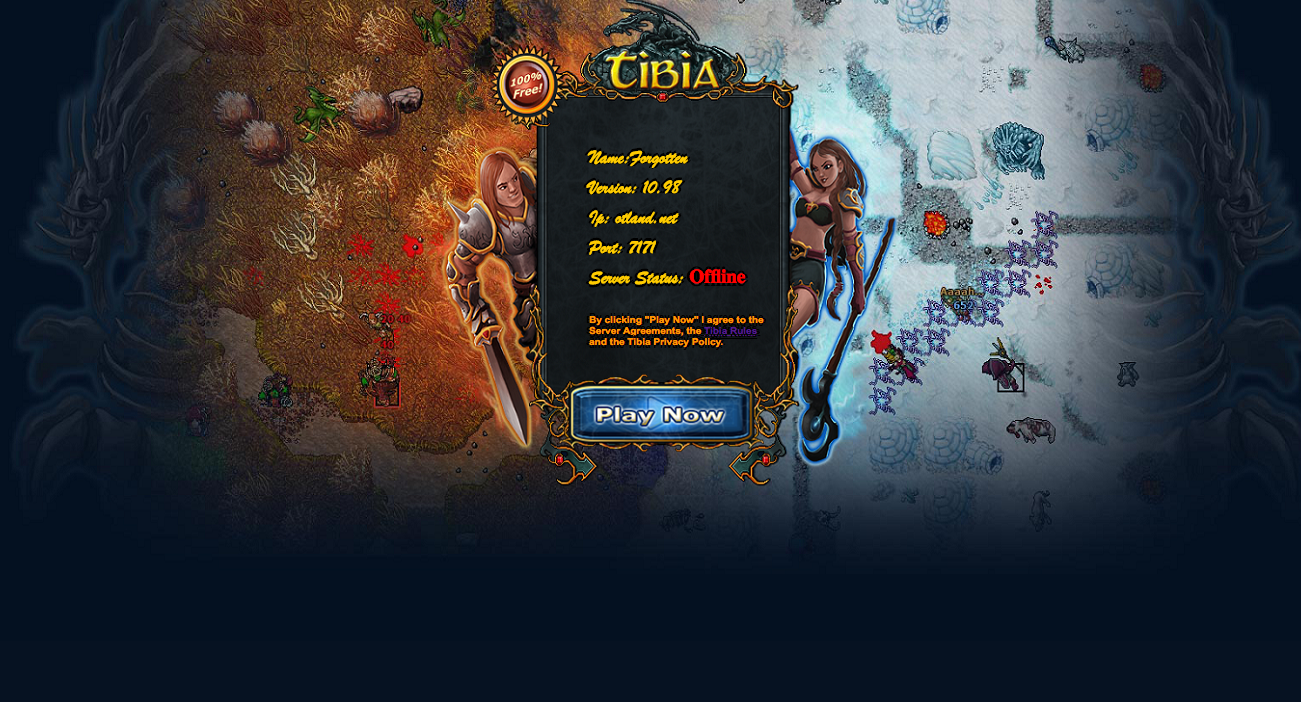
Theme Canary
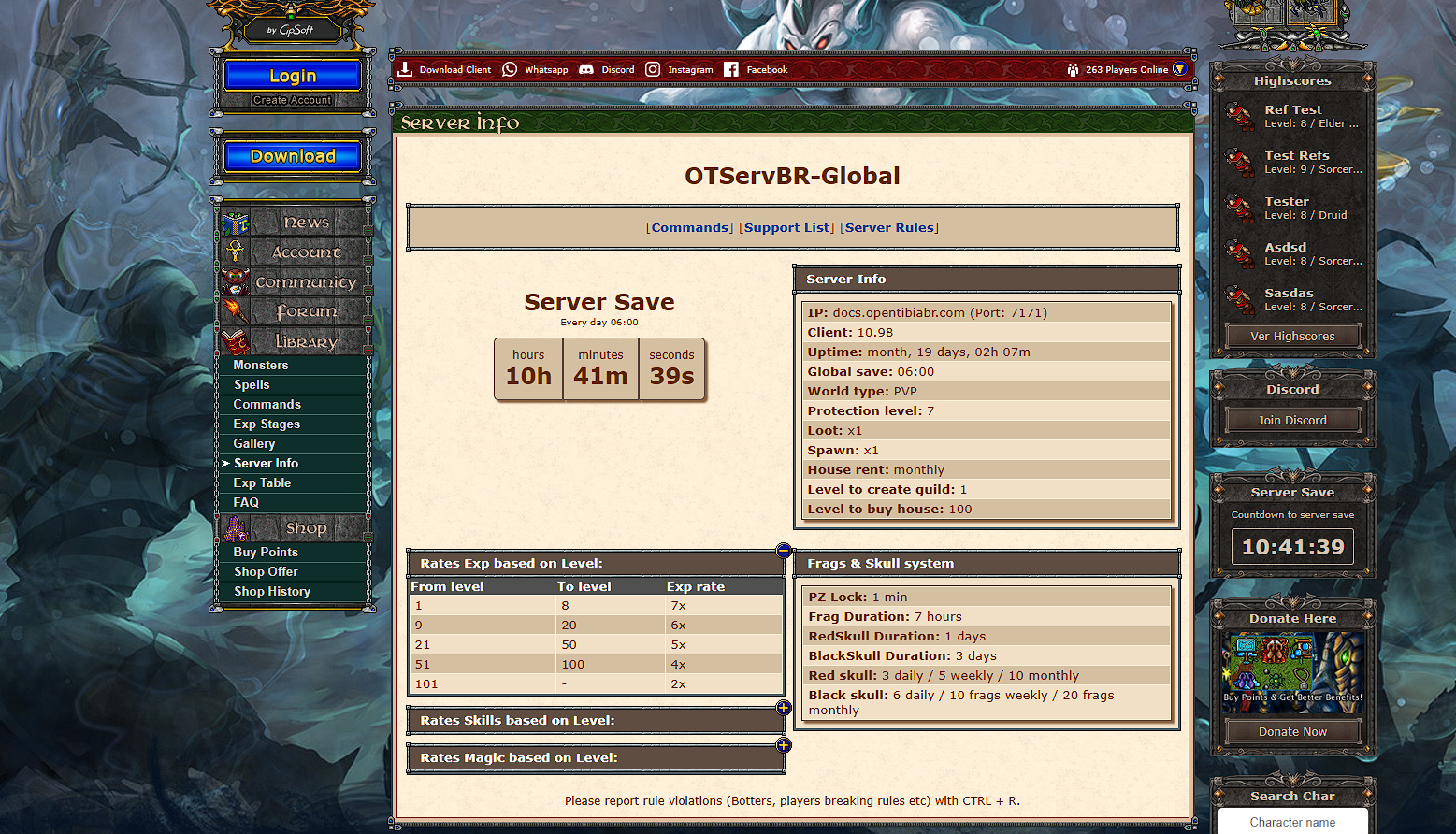
Version: 2.0.1
Theme based on @opentibiabr MyAAC, similar to original Tibia website.
- Downloads: 2500